Advanced Category Column Plugin
The Plugin
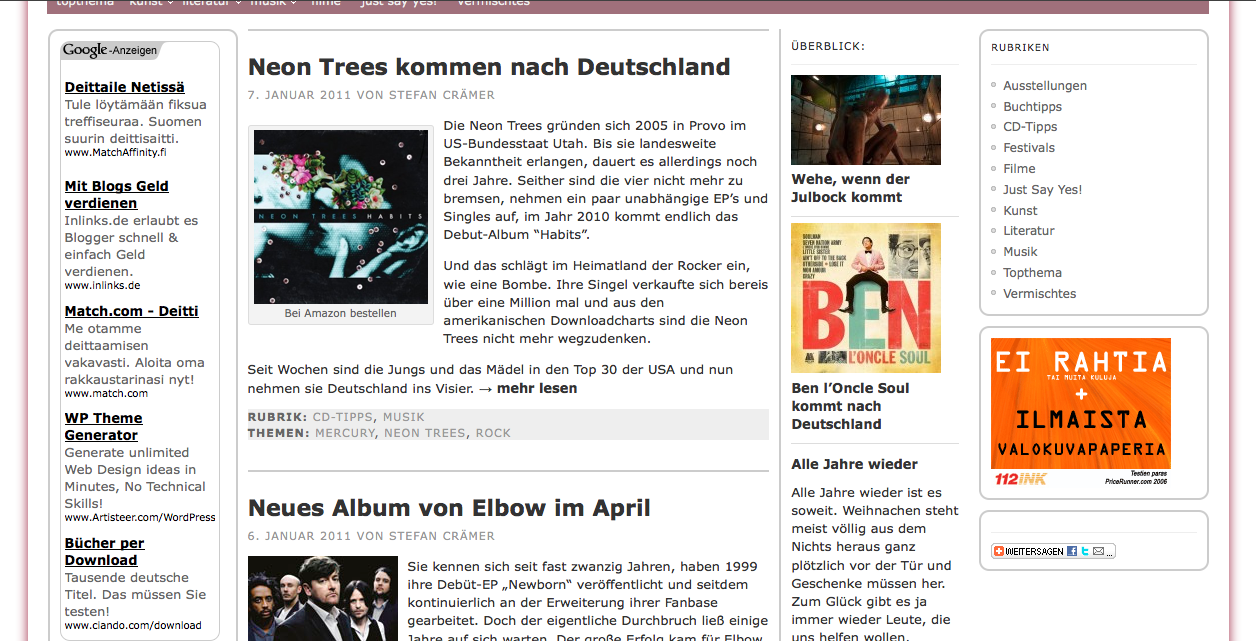
The Category Column was mainly designed to give our page a bit more of a newspaper behaviour. It shows the latest posts from all categories with an offset of three posts (which are in the main column) on our homepage.
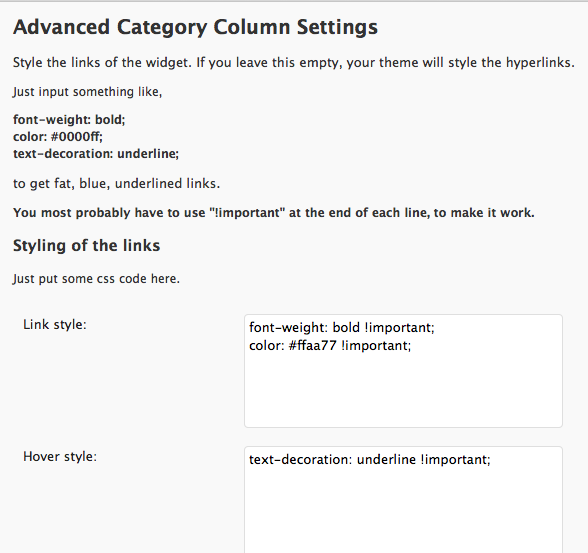
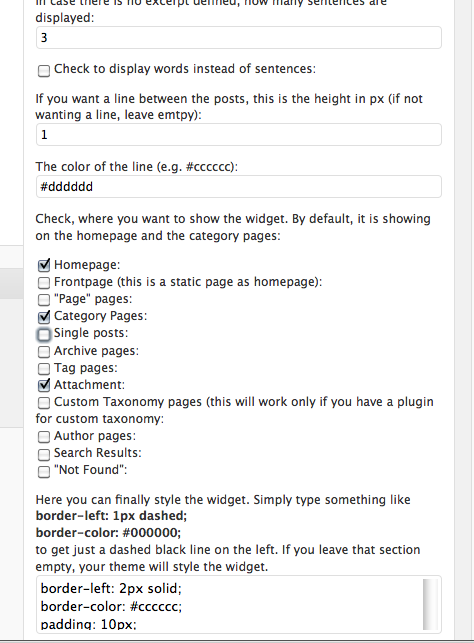
Not every theme seems to have the possibility to hide sidebars or defines the styles of links site wide. That’s what makes the difference in the „advanced“ category column plugin. You can now style the links of the widgets and define, where the widget is showing and where not.
History
As the plugin was designed especially for the needs of a user of the Category Column Plugin; the first versions were very limited. It should work now on all sites without any problems. It is tested up to WP 4.3.
Current Version
The current version is 3.4.2 and it has Dutch, German and Spanish language packs. Textareas are resizable.
Changelog
3.4.2 WP 4.3 ready
3.4.1 WP 4.2 ready
3.4 Framework adjusted
3.3 Framework adjusted. Made ready for Custom Login Page. Made rady for WP 4.1
3.2.2 Mistake in image class fixed
3.2.1 Interference with WordPress Page Widgets eliminated
3.2 DSS is now compressible
3.1 All ‚Divided by Zero‘ errors should be eliminated
3.0 More foolproof
2.9 Adjusted framework; better ability to get images
2.8.2 Instead of styling each individual widget, you can style now the whole class
2.8.1 added the possibility to give the image a border
2.8 more responsive; Spanish translation added thanks to Andrew Kurtis
2.7.2 Bug with title heading fixed
2.7.1 Bug fixed in the framework
2.7 Small changes in the framework and possibility to adjust the title heading
2.6 Added the possibility to change the width of the thumbnails; the category of the posts can be shown.
2.5.1 Small bug-fix
2.5 Great reduction of the payload by adding a cache to the plugin
2.4 Adjusting the classes of the framework to be more like alrounders
2.3 Code completely overhauled and straitened. The plugin hooks also into the Ads Easy Plugin. In case you use the Google AdSense Tags, you can invert them in the widget.
2.2 More accurate auto excerpt, thumbnails work also when using galleries and a dss (dynamical css) file is now written instead of a real css file, when using own styles
2.1 Bugfix
2.0 Minor bug fixes, check all function added
1.5 The textareas are now re-sizable and the input fields got smaller
1.2 Bug with empty style sheet on update fixed
1.1 Bug-fix concerning title slugs; settings accessible from plugin page now
1.0 Stable version with Dutch and German language files
0.5 Public Beta and initial release
0.3 Open Beta
Installation
To install the Advanced Category Column Plugin simply download it here, unzip the file and upload the folder named “advanced-category-column” into the /wp-content/plugins folder of your blog.
Once you have done that, simply activate “Advanced Category Column” in your plugin panel and customize the instances of your widgets, when you place them into your sidebars. Go to the options panel to change the style of the hyperlinks in the widgets.
Screenshots
[aep_ignore_tag]
Donation
If you use the plugin and like it, we appreciate a donation. If you find the plugin useful and like it very much, we appreciate your feedback even more.
[/aep_ignore_tag]

Perhaps it will be possible in a later version. It only makes sense, if having posts from only one category. Otherwise you’ll have to display it above every post.
yes but is it possible that the title of each category is shown above each set of posts ????